
Download Icon Constructor – icon maker, icon creator, create icons, icon design tool, desktop icon creator, custom icon tool, Windows icon maker, icon generator
Overview
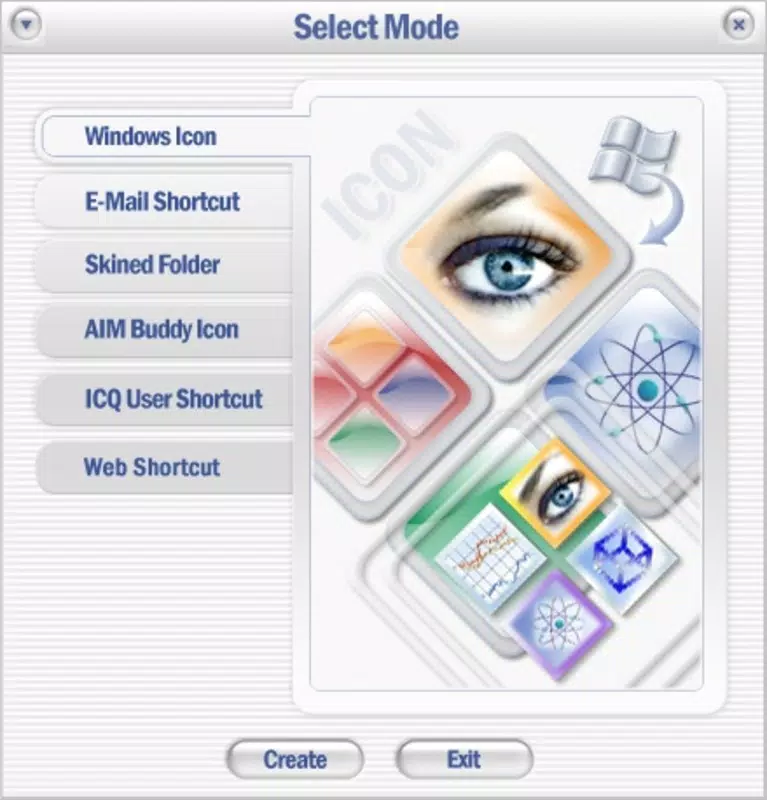
Icon Constructor is a specialized productivity tool designed for users seeking to create custom icons for desktop environments, particularly those using Windows operating systems. Unlike generic icon creation apps that offer minimal guidance, Icon Constructor stands out by providing a robust foundation through an extensive library of pre-designed templates. This makes it especially useful for individuals who want to personalize their digital workspace without starting from a blank canvas. The app addresses the common challenge of designing visually appealing, technically compatible icons by offering structured starting points and support for advanced formatting.
Target users include graphic designers, software developers, and casual users who want to customize their desktop icons with unique visuals. It is particularly relevant for those working with legacy systems, such as Windows XP, where high-quality, semi-transparent icons were a hallmark of professional interface design. The app’s focus on compatibility with 32-bit color depth and alpha channel support ensures that icons integrate seamlessly into older desktop environments.
Although the developer did not provide additional technical details about the company or its background, the app’s long-standing presence in the productivity space—first released in 2007—suggests a stable, niche-focused offering. Its continued relevance underscores its utility in a specific segment of the digital design ecosystem, where custom icon creation remains a valued, albeit specialized, task.
Key Features & Functionality
- Extensive Template Library: The app includes a wide variety of templates such as stamps, shells, and frames, enabling users to quickly build icons with consistent design elements. These templates serve as foundational structures, reducing the time required to create visually coherent icons from scratch.
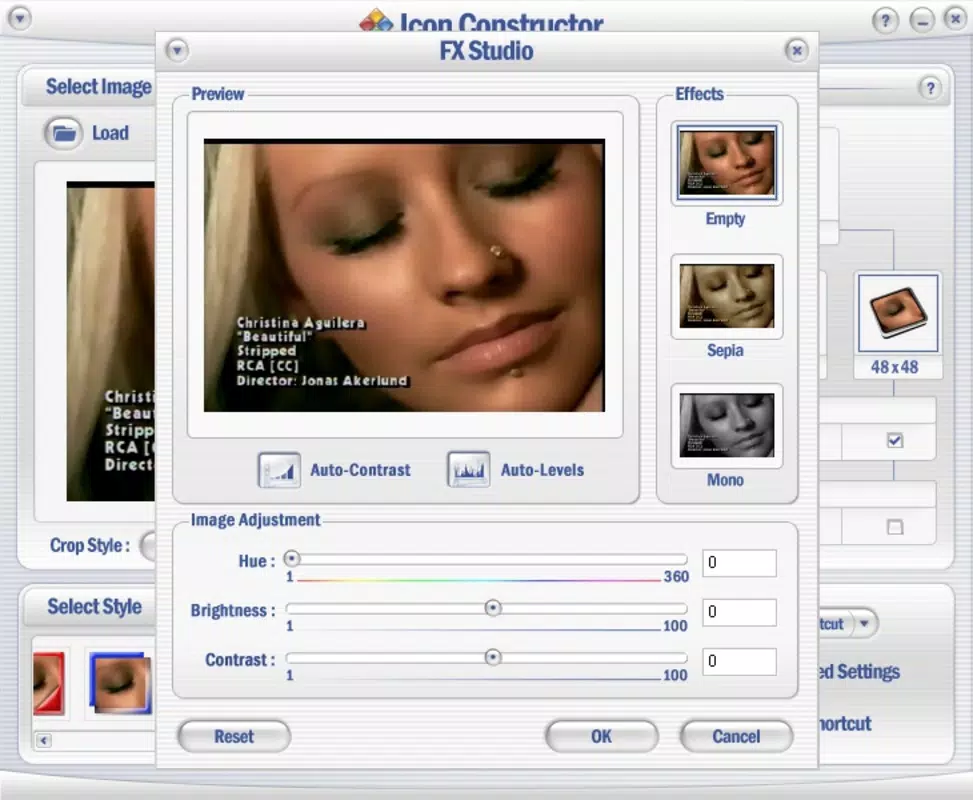
- Easy Image Import: Icon Constructor supports multiple image formats, including JPEG, GIF, PNG, BMP, AVI, and Flash animations. This flexibility allows users to convert existing visual assets—whether still images or short video clips—into functional desktop icons.
- Windows XP Icon Support: The app is optimized for creating icons in 32-bit color depth with alpha channel transparency. This ensures that icons can display smooth gradients and partial opacity, enhancing visual quality on compatible systems.
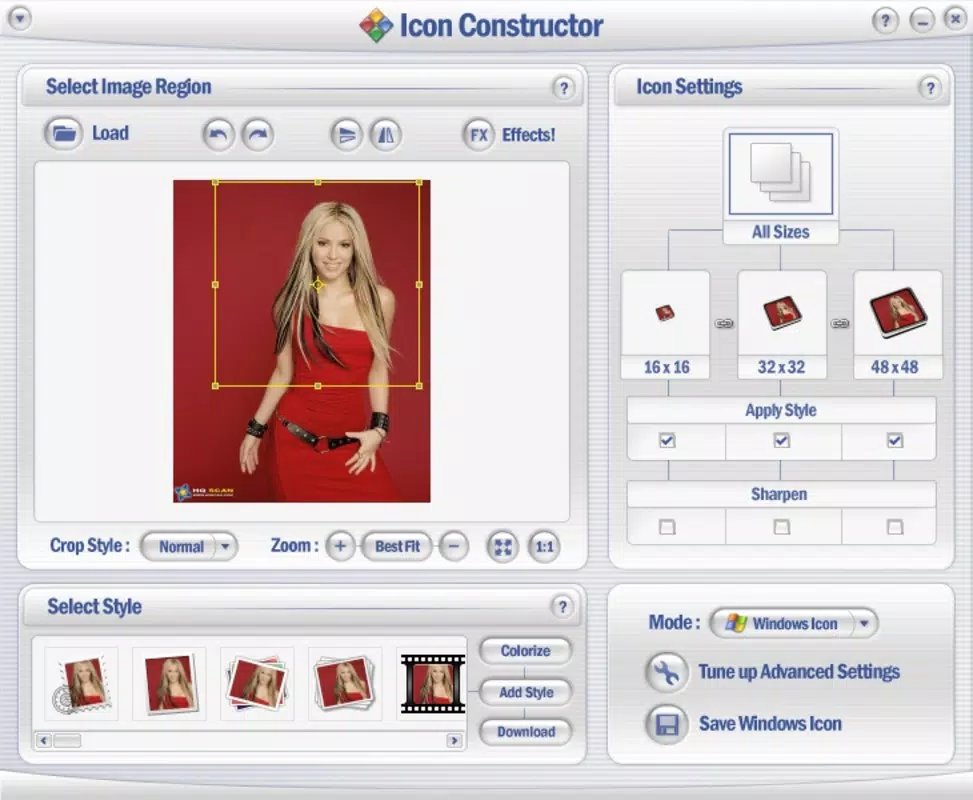
- User-Friendly Interface: The interface is structured to provide intuitive access to design models and shapes. The lower panel houses navigation tools, enabling quick selection and adjustment of design components, which improves workflow efficiency.
- Downloadable Additional Models: Users can expand their creative options by downloading new templates. This feature supports ongoing customization and ensures that users can keep their icon designs fresh and unique over time.
For example, a software developer might use a frame template to encapsulate a project logo, then import a PNG file and apply transparency to create a polished desktop shortcut. Similarly, a hobbyist could transform a short AVI clip into a dynamic icon for a multimedia folder, leveraging the app’s video support to add motion to static desktop elements.
Interface, UX & Performance
Icon Constructor features a clean, functional interface designed around usability and accessibility. The layout centers on a central workspace where users can preview and edit their icons in real time. Design tools and template selections are organized in a lower panel, allowing for quick navigation and adjustment without disrupting the creative flow.
The visual style is minimalistic, focusing on utility rather than aesthetic embellishment. This approach reduces cognitive load and allows users to concentrate on design elements. Navigation is straightforward, with clearly labeled options and consistent interaction patterns across functions.
Although the developer did not list formal performance metrics, the app’s file size of 3.8 MB suggests a lightweight footprint, which likely contributes to stable operation on systems with limited resources. The application is expected to perform reliably on a range of Windows devices, from older machines to modern desktops. Responsiveness is likely to be adequate for typical design tasks, though no real-time rendering benchmarks were provided.
Platform Compatibility & Technical Requirements
Icon Constructor is designed exclusively for the Windows platform. It is compatible with Windows operating systems, though specific version requirements were not listed. The app’s file size is 3.8 MB, indicating a compact installation that requires minimal disk space.
Given its release date of 2007, the app was originally built for older Windows versions. However, it may still function on current Windows systems due to backward compatibility features. The developer did not specify minimum OS requirements, so users should exercise caution when installing on newer systems. Compatibility information was not fully disclosed.
Pros and Cons
Pros
- Extensive library of pre-designed templates for faster icon creation
- Supports multiple image and video formats for versatile input options
- Optimized for Windows XP with 32-bit color depth and alpha channel transparency
- Intuitive interface with easy access to design tools and models
- Ability to download additional templates for ongoing customization
Cons
- Platform is limited to Windows; no support for macOS or mobile devices
- Outdated release date raises concerns about modern OS compatibility
- Developer did not provide detailed system requirements or technical specifications
- Price point of $24.95 may be considered high for a niche tool with limited updates
- No information on update frequency or future development plans
FAQ
Is Icon Constructor available for Android or iOS?
Icon Constructor is designed exclusively for Windows operating systems. There is no official version available for Android or iOS devices.
Can I use video files as source material for icons?
Yes, the app supports importing video formats such as AVI and Flash animations, allowing users to create dynamic icons from short video clips.
Does the app support transparency in icons?
Yes, Icon Constructor supports alpha channel transparency, which enables semi-transparent effects in icons, particularly useful for Windows XP-style designs.
How do I update Icon Constructor?
Specific update procedures were not provided by the developer. Users should check the official website for the latest version and installation instructions.
Is Icon Constructor secure to download and install?
As with any software, users should only download Icon Constructor from official or trusted sources to ensure the file is free from malware or unauthorized modifications.
Final Thoughts
Icon Constructor remains a niche but valuable tool for users who need to create custom, high-quality icons—especially for legacy Windows environments. Its strength lies in its template-driven approach, which lowers the barrier to entry for non-designers while still offering enough depth for professionals. The support for multiple file formats and transparency makes it a versatile utility in the productivity category.
While its age and limited platform support are notable drawbacks, the app continues to serve a dedicated audience that values precision and compatibility. For developers, designers, or enthusiasts working with Windows XP or similar systems, Icon Constructor offers a reliable solution for crafting personalized desktop icons.
Download Icon Constructor now


